Getting a phone number and SIM in Indonesia
Be reachable from your first week in Indonesia, with a number your bank and apps accept. Here's what to bring to the counter, what prepaid and postpaid plans cost, and what to check about a phone you bring from home.
AbroadPin team7 min read
Contents
A local number is one of the first things to sort out after you land in Indonesia. Your school, your landlord, delivery riders and your bank will all expect one, and carriers register each prepaid number to a named person with ID. The good news is that a passport is enough to get started, so you don't have to wait for your stay permit. For pay, schools and the work permit itself, read the main guide to teaching in Indonesia.
Why a local number matters
You'll use your Indonesian number far more than you might expect.
- Banking. Universitas Padjadjaran's international office lists a local SIM card as a requirement for signing up to e-banking, and you register in the app with your phone number [7].
- Paying by phone. The same office notes that most daily transactions can be done on a smartphone [7]. The wallet and bank apps behind that run on your local number.
- Deliveries and rides. Riders and drivers call or message the number on your account when they can't find your gate or your boarding house.
- Work. Schools and language centres share timetables, cover requests and parent messages through chat apps tied to a phone number.
So the line you open in your first days ends up linked to your salary account, your wallets and your workplace. Open it in your own name and plan to keep it for your whole contract.
The ID rules for registering a number
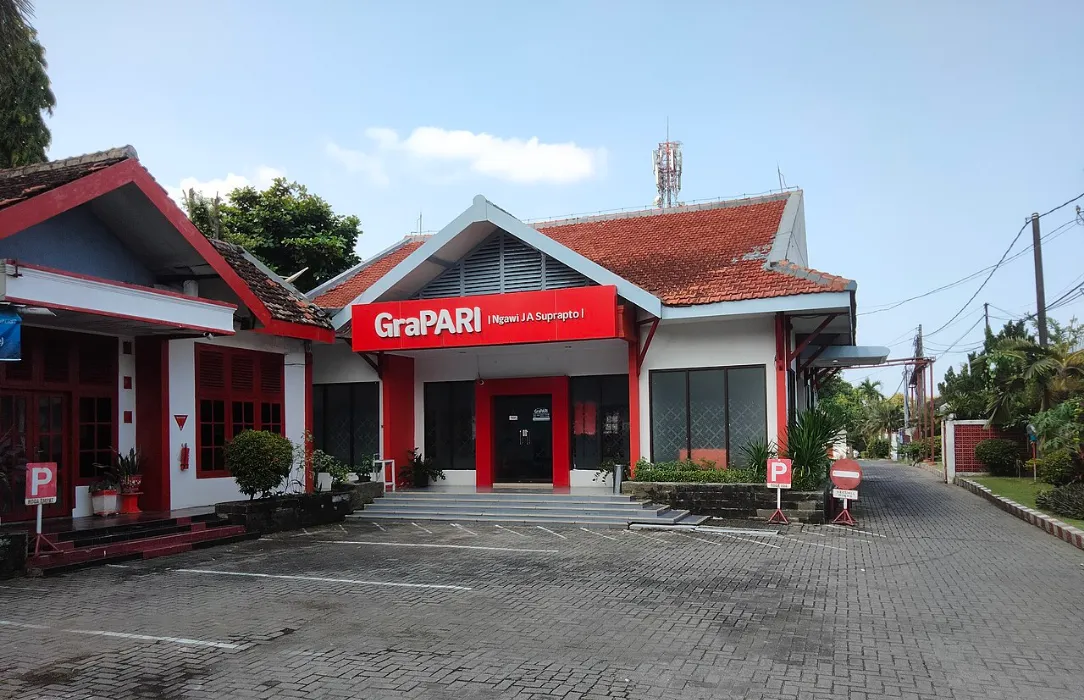
Telkomsel's own help page explains how foreigners register a prepaid number: you go to a Telkomsel outlet (GraPARI) or one of its partner outlets with your passport, KITAS or KITAP [1]. Staff record your name, document number, nationality, and date and place of birth [1].
That leads to a few practical points:
- Your passport is enough at first. You don't need your KITAS to open a line, so you can do this in your first days [1].
- Go to a proper outlet. Telkomsel names its GraPARI service centres and partner outlets as the places where foreigners register [1]. A carrier's own centre is the safest choice, because staff enter your details with you there.
- Check the name. Make sure the name on the registration matches your passport exactly, since the same number will later sit on your bank and payroll records.
- Ask about your KITAS later. Once your KITAS is issued, ask the outlet whether it wants the permit's details on your record too.
Telkomsel's page doesn't say how many numbers a foreigner can register, or how long a registration on a passport stays valid [1]. Ask at the counter if you plan to keep the number for years.
The carriers
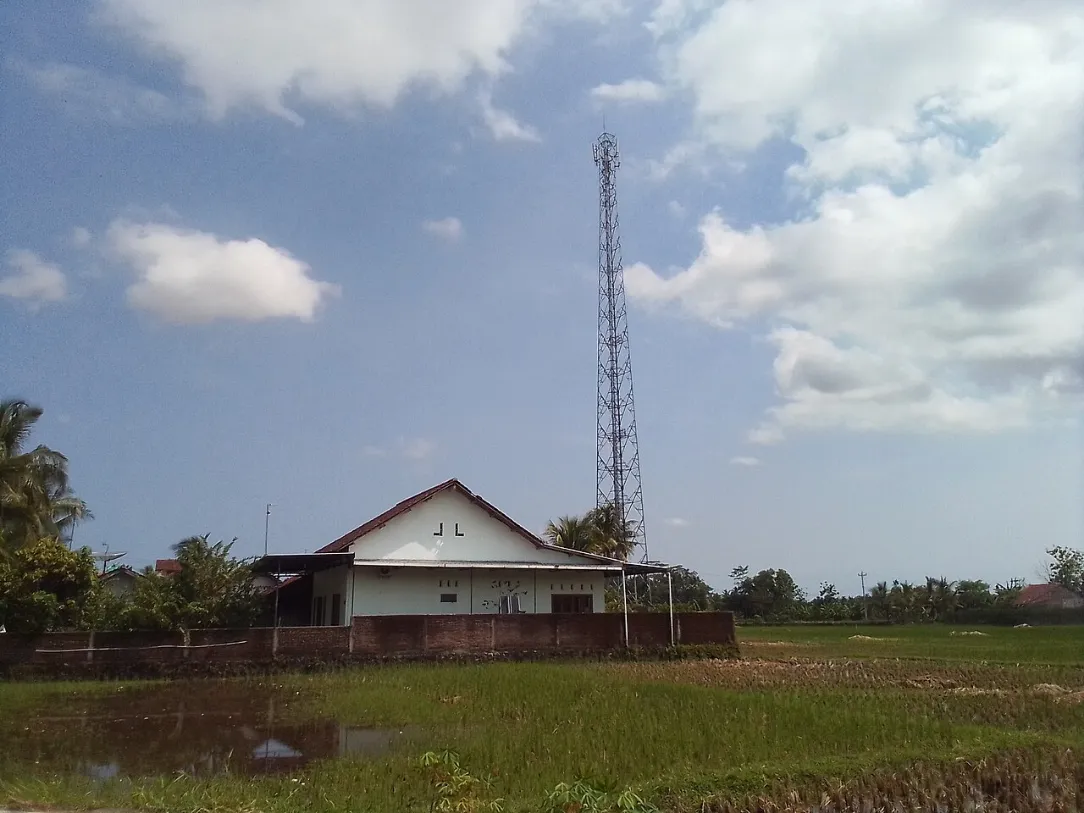
Telkomsel is the carrier whose pages we could read in full. Its prepaid brand is SIMPATI, its postpaid brand is Halo, and it also sells by.U, an app-based digital prepaid brand [4]. XL is the second carrier we checked, and its home page sells both physical SIMs and eSIMs online [5]. Indosat Ooredoo Hutchison, which sells the IM3 brand, is the other big name, but its site couldn't be read for this page.
Coverage differs from island to island and even from one neighbourhood to the next. Before you choose, ask colleagues which network works best in their homes and in the classrooms you'll teach in.
What prepaid costs
Prepaid is the usual choice for a new arrival: no contract, no deposit questions, and you top up as you go. On SIMPATI, the SIM costs Rp 35,000 whether you buy a physical card or an eSIM, according to Telkomsel's page [2]. The starter pack at that price comes with 3 GB of internet, 30 minutes of calls, 30 texts to any network and 30 days of validity [2]. You can pick one up at outlets and GraPARI centres across Indonesia [2].
After the starter allowance runs out, you buy a package. These were among Telkomsel's recommended SIMPATI packages when we read the page [2]:
| Package | Data | Valid for | Price |
|---|---|---|---|
| Pasti SIMPATI 70K, rollover | 8 GB | 30 days | Rp 70,000 |
| Pasti SIMPATI 100K, rollover | 13 GB | 30 days | Rp 100,000 |
| Seru 5G | 15 GB | 30 days | Rp 50,000 |
| Super Seru Promo | 25 GB | 28 days | Rp 70,000 |
| HOT PROMO | 7 GB | 7 days | Rp 32,000 |
Promotional packages change often, so treat the table as a guide to the range rather than a fixed price list. You check your credit and how long your number stays active by dialling *888# [2].
The Pasti SIMPATI packages also include hybrid roaming in Malaysia and Singapore, with up to 9 GB depending on the package, which is handy if you travel on school holidays [2]. That roaming quota doesn't roll over [2].
Moving to postpaid later
Once you're settled and your KITAS is in hand, a postpaid Halo plan may suit you better, especially if you use a lot of data at home. Telkomsel listed these monthly Halo Optima plans [3]:
| Plan | Data | Calls | Texts | Monthly price |
|---|---|---|---|---|
| Halo Optima 100K | 70 GB | 200 minutes | 200 | Rp 100,000 |
| Halo Optima 120K | 120 GB | 250 minutes | 250 | Rp 120,000 |
| Halo Optima 150K | 160 GB | 300 minutes | 300 | Rp 150,000 |
| Halo Optima 200K | 220 GB | 400 minutes | 400 | Rp 200,000 |
The Halo page didn't list what a foreigner needs to sign up, such as a KITAS or a deposit [3]. It also gave no contract length for these plans, only 6, 12 or 24-month payment terms on device bundles [3]. Ask at a GraPARI centre what they want from a foreign customer before you go to the trouble of switching.
eSIM
Both carriers we checked sell eSIMs. Telkomsel prices a SIMPATI eSIM at the same Rp 35,000 as the physical card [2], and XL sells eSIMs on its website, with a free data offer for new customers on its home page when we read it [5].
Before you count on an eSIM, check two things. First, that your phone supports eSIM and isn't locked to your home carrier. Second, that the eSIM can be registered in your name with your passport. The pages we read didn't explain how a foreigner registers an eSIM bought online, so if in doubt, buy your first line at a GraPARI centre with your passport and ask about eSIM there.
Phones bought abroad
Every handset has an IMEI, its own identity number, and the customs office, Bea Cukai, offers a Cek IMEI status lookup on its website [6]. The customs pages we could read didn't set out the registration rules for a phone a foreign teacher brings in, or how long a foreign phone can be used on a local SIM. Ask your school's HR team or Bea Cukai before you fly, and keep the box or receipt for your phone.
What the customs page does give is the general allowance for passengers' personal goods. Goods up to a value of USD500 FOB per person enter free of import duty [6]. Above that, its worked example charges import duty at 10%, VAT at 11%, and income tax at 0.5% to 10% if you have an NPWP tax number, or 1% to 20% if you don't [6]. That example covers goods in general, and the page doesn't say whether phones are treated differently [6].
Keeping your home number
Your home bank, email and tax office may still send codes to your old number, so plan this before you leave.
- Keep the home line on its cheapest plan that still receives texts abroad, and ask your home carrier what receiving texts in Indonesia costs.
- Use a dual-SIM phone if you have one, or a phone with one physical slot and one eSIM, so both numbers work in the same handset.
- Move logins to an authenticator app where your bank or email allows it, so fewer codes depend on a text reaching you.
- Update your contact details with your home bank and tell it you'll be living abroad.
Your first weeks, in order
- Before you fly. Ask your home carrier about roaming and texts abroad, check your phone is unlocked, and ask HR whether your phone needs any customs or IMEI step.
- First days. Take your passport to a GraPARI centre or partner outlet and open a prepaid line in your name [1].
- First month. Pick a monthly package and note the date it renews [2].
- When your KITAS arrives. Ask the carrier whether it wants your KITAS details, then give the number to your bank, school and landlord.
- Once you're settled. Compare postpaid plans if you use a lot of data [3].
When your phone is sorted, see the teaching jobs in Indonesia and contact schools directly.
See jobs in Indonesia
- Lower Elementary Homeroom Teacher, K to Grade 2, July 2027 (Jakarta Intercultural School)Jakarta
- Early Years Homeroom Teacher, July 2027 (Jakarta Intercultural School)Jakarta
- International English Teacher (English 1 Swara Group, Jakarta)Jakarta
- Early Years Teacher, IB PYP, 2027-28 (Global Jaya School Jakarta)Jakarta
- IB PYP Classroom Teachers, 2027-28 (Global Jaya School Jakarta)Jakarta
By city: Teaching jobs in Jakarta
Sources and photo credits
- 1.Telkomsel, How to do prepaid registration for foreign citizens (undated, read 5 November 2026)
- 2.Telkomsel, SIMPATI prepaid packages and starter pack (read 5 November 2026)
- 3.Telkomsel, Halo postpaid plans (read 5 November 2026)
- 4.Telkomsel, home page with SIMPATI, Halo and by.U (read 5 November 2026)
- 5.XL, home page with SIM card and eSIM sales (read 5 November 2026)
- 6.Bea Cukai, Directorate General of Customs and Excise, passenger goods FAQ (undated, read 5 November 2026)
- 7.Universitas Padjadjaran International Office, Opening a bank account (undated, read 5 November 2026)
Photos
- A Telkomsel GraPARI service centre in Ngawi, East Java.: YT Arty, CC BY-SA 4.0, via Wikimedia Commons
- A Telkomsel mobile tower beside rice fields in Kebumen, Central Java.: DARMAS BS 9, CC BY-SA 4.0, via Wikimedia Commons
Get new jobs in Indonesia by email
One email a week with the jobs added since the last one. Free, with no account.
Nothing is sent until you open the link we email you. Choose a role, a pay level or daily emails
We use your address only to send the alerts you ask for, and every email has a one-click unsubscribe link. The privacy notice says how long we keep it, and the terms of use cover the alerts.
We check this guide again by February 3, 2027. Rules change, so confirm visa steps with the embassy and your school before you go. First published November 5, 2026. Spotted something out of date? Tell us. How we write these guides.